ScreenPal Screen Recorder & Video Editor
Desktop Application UI/UX Design · Windows + Mac
Thirteen years after The Skins Factory first redesigned Screencast-O-Matic’s flagship screen recorder in 2009, the company returned to us to redesign and modernize the Windows and Mac desktop application now known as ScreenPal. The feature-rich product brings project management, screen and webcam recording, video editing, narration, music, stories, captions, and publishing into one connected creative environment used by individuals and major brands.
The Challenge
Modernizing a powerful creative app without adding friction
ScreenPal needed to support users moving between recorded videos and images, project organization, screen and webcam capture, detailed timeline editing, overlays, sound, speed, captions, narration, stock music, story creation, and publishing. The large number of tools, menus, modes, and system states had to remain immediately understandable without allowing the interface to compete with the content users were recording and editing.
Our Approach
Building a crisp interface that stays out of the creator’s way
We redesigned the application around clean visual hierarchy, focused work areas, and consistent controls across the Project Manager, recorder, editor, tool menus, and publishing flows. The custom menu and icon system was rebuilt for clarity, with each icon given a corresponding visual weight to maintain uniformity throughout the application. Precise timeline controls, contextual panels, clear recording states, and tactile details such as the neumorphic record button helped make a deep professional tool feel approachable and intuitive.
Project Manager
The workflow of the screen recording application is powered by the Project Manager dashboard. Users can manage and store their videos and images here. To speed up the workflow, projects are categorized by date and can utilize a powerful filter mechanism.


Below: Preview Window

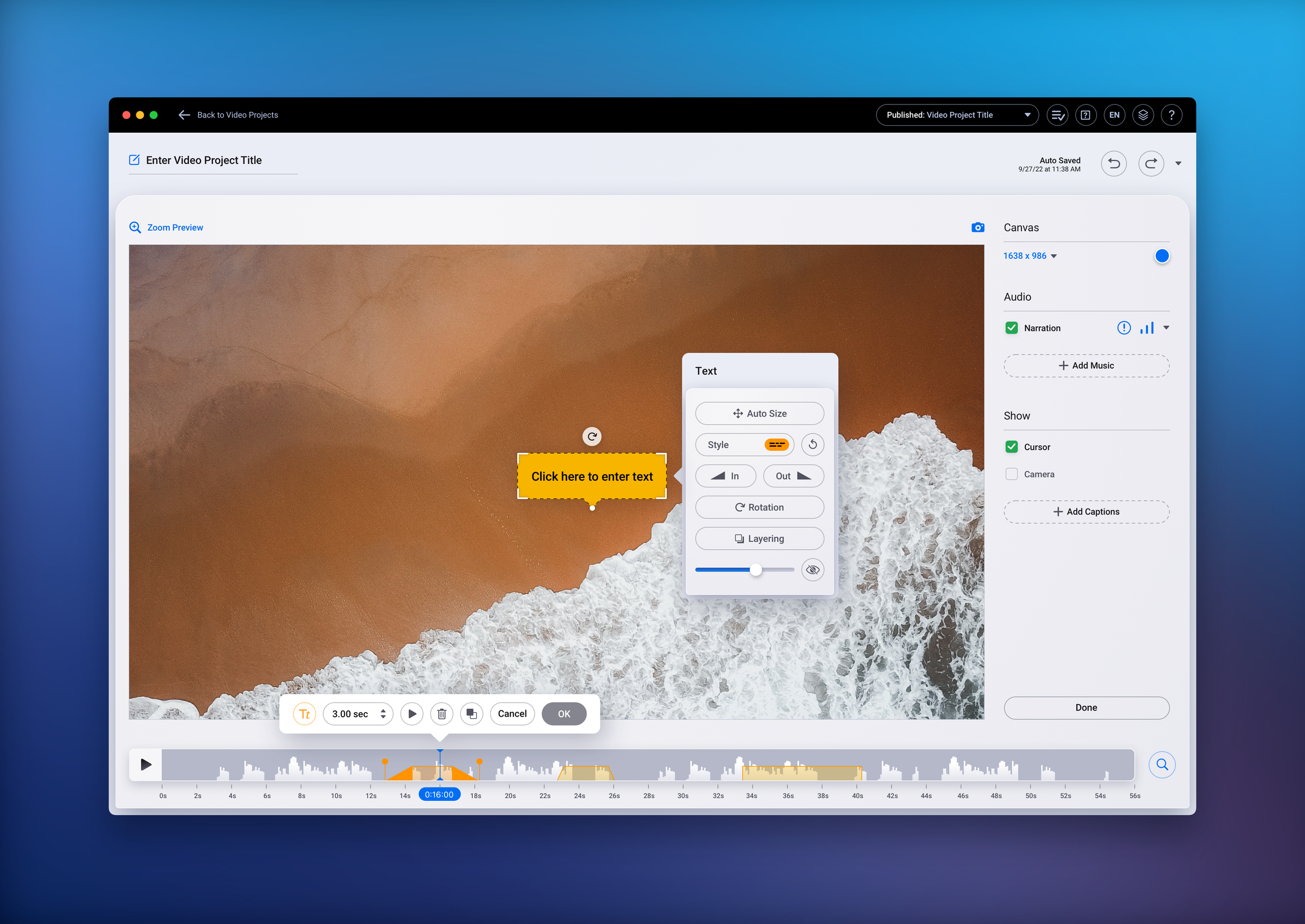
Editor Base + Menus
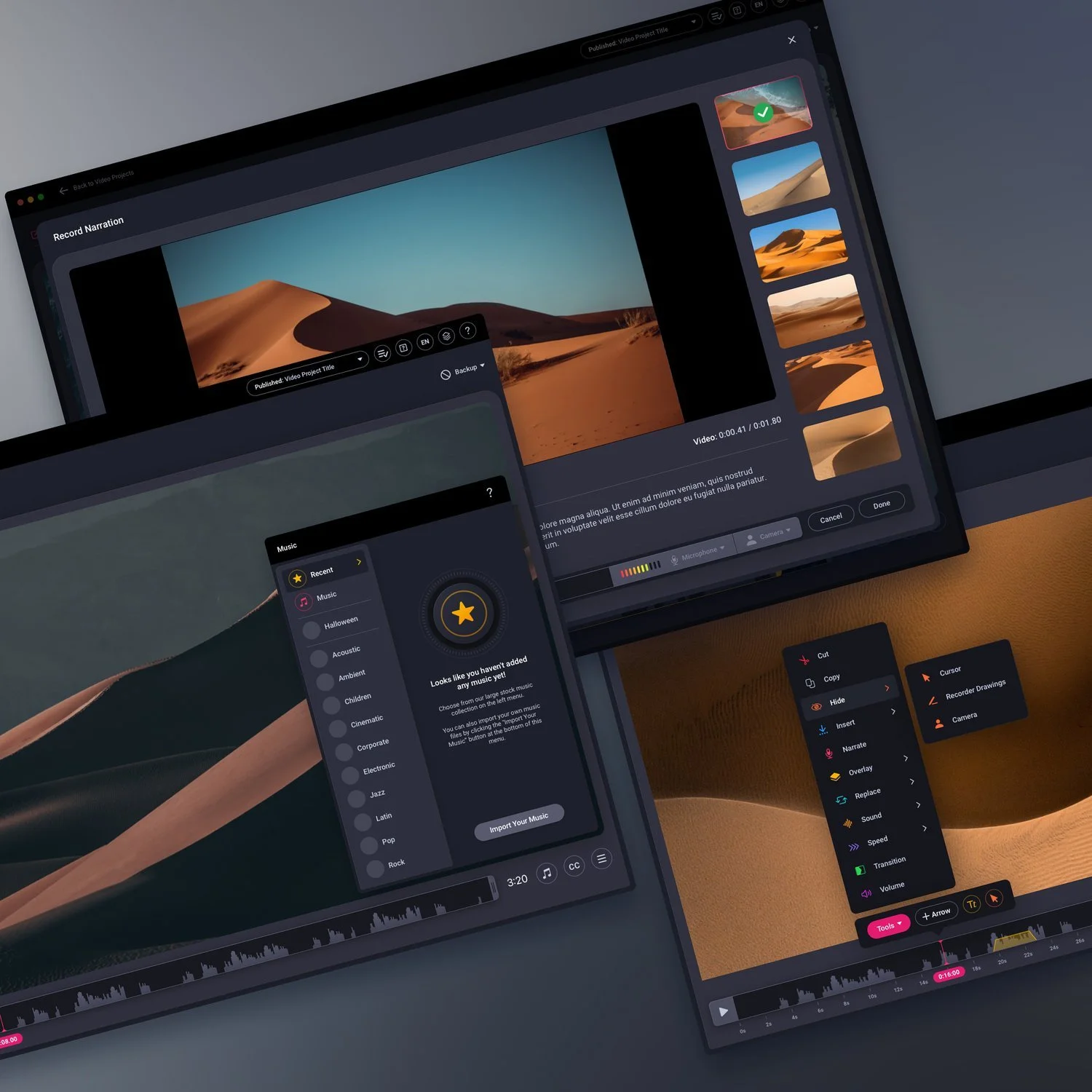
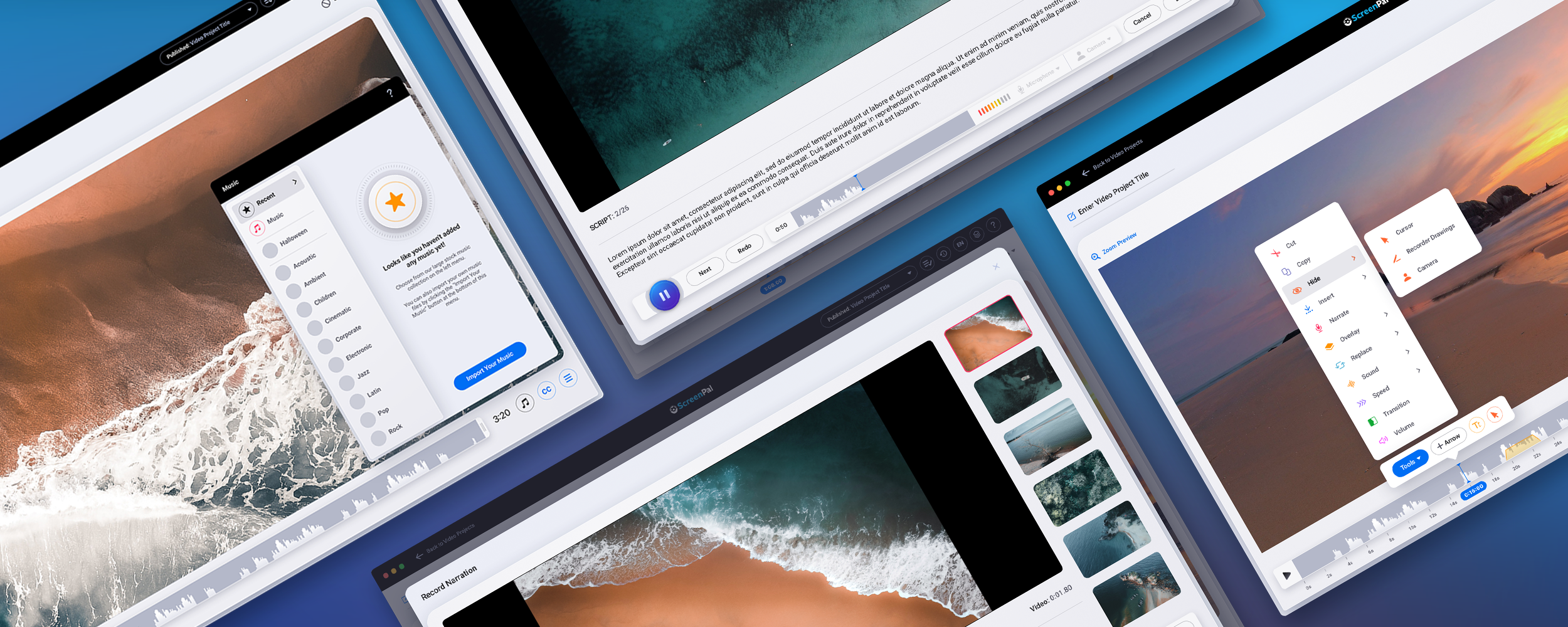
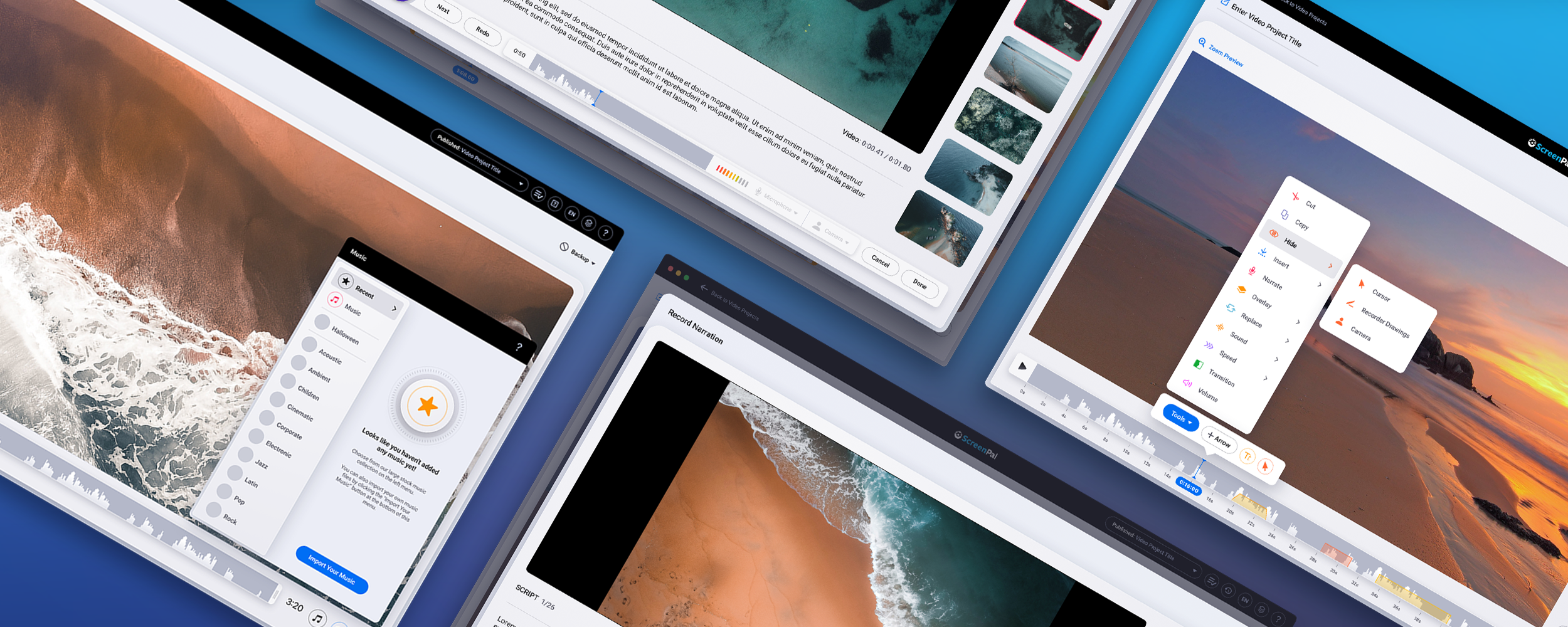
This is where the majority of the application's magic happens. You can edit your screen recording or video using a broad variety of tools right from this screen.
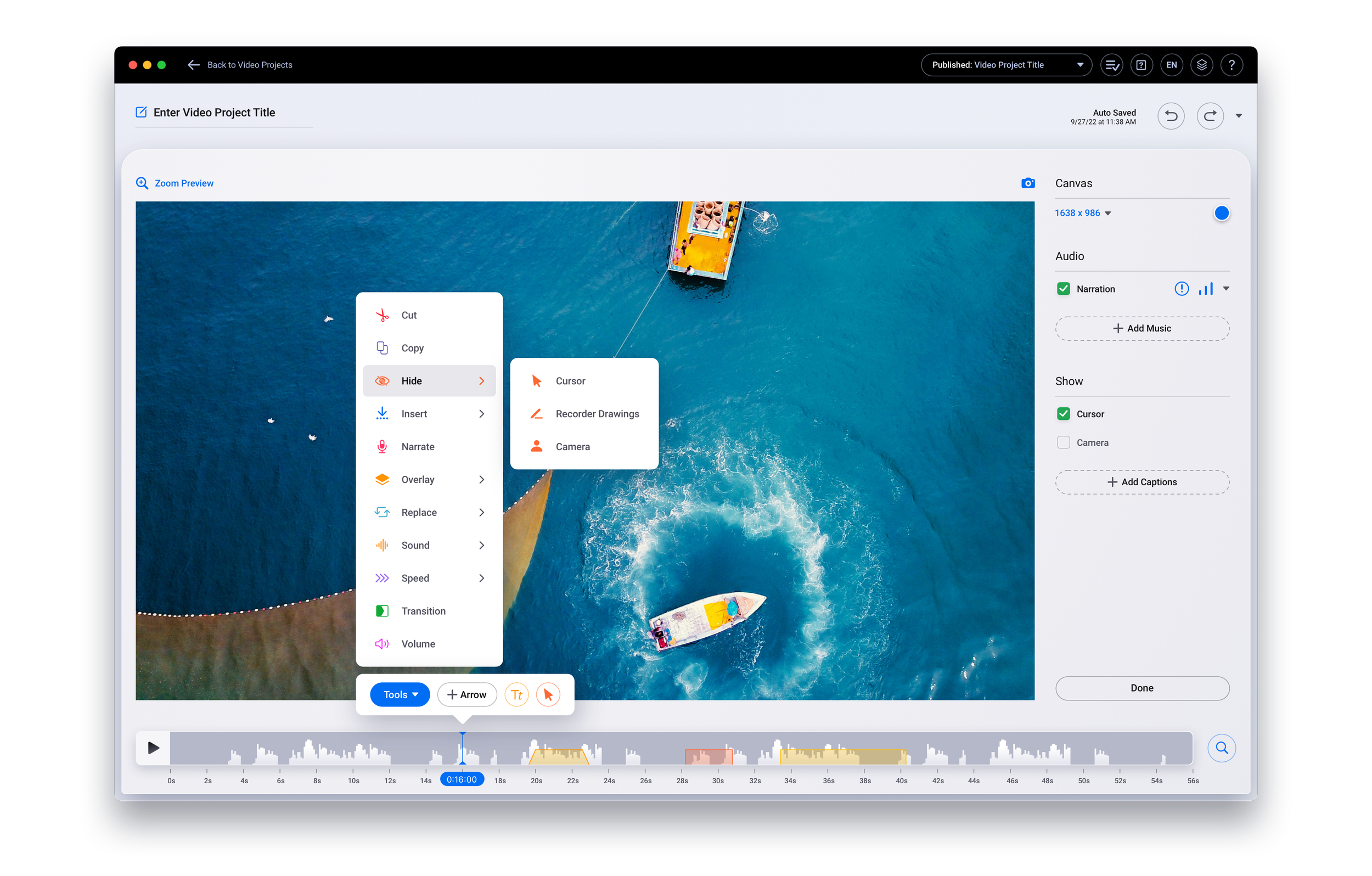
Custom Menus & Icon Creation
The Screen Recording Editor's menus and unique icons were completely redone by the design team. The icon system was made to be clear and simple, with each icon having a corresponding visual "weight" that ensures uniformity throughout all tool menus.



Screen Recorder
With the screen recorder, you can record any region of your desktop screen as well as audio from your microphone and video from your webcam. In order to give the floating recorder toolbar some depth and a tactility you rarely see nowadays, we designed a neumorphic REC button.
before you start recording


after you start recording


Timeline Magnify Slider + Playback Speed + Caption Menus
We designed the user interface to be incredibly crisp, clean, and intuitive, getting out of the user's way so they can focus on what's most important—creating and editing. This includes the ability to magnify the timeline for more precise editing, adjust the playback speeds when necessary, or simply add captions to the recording.


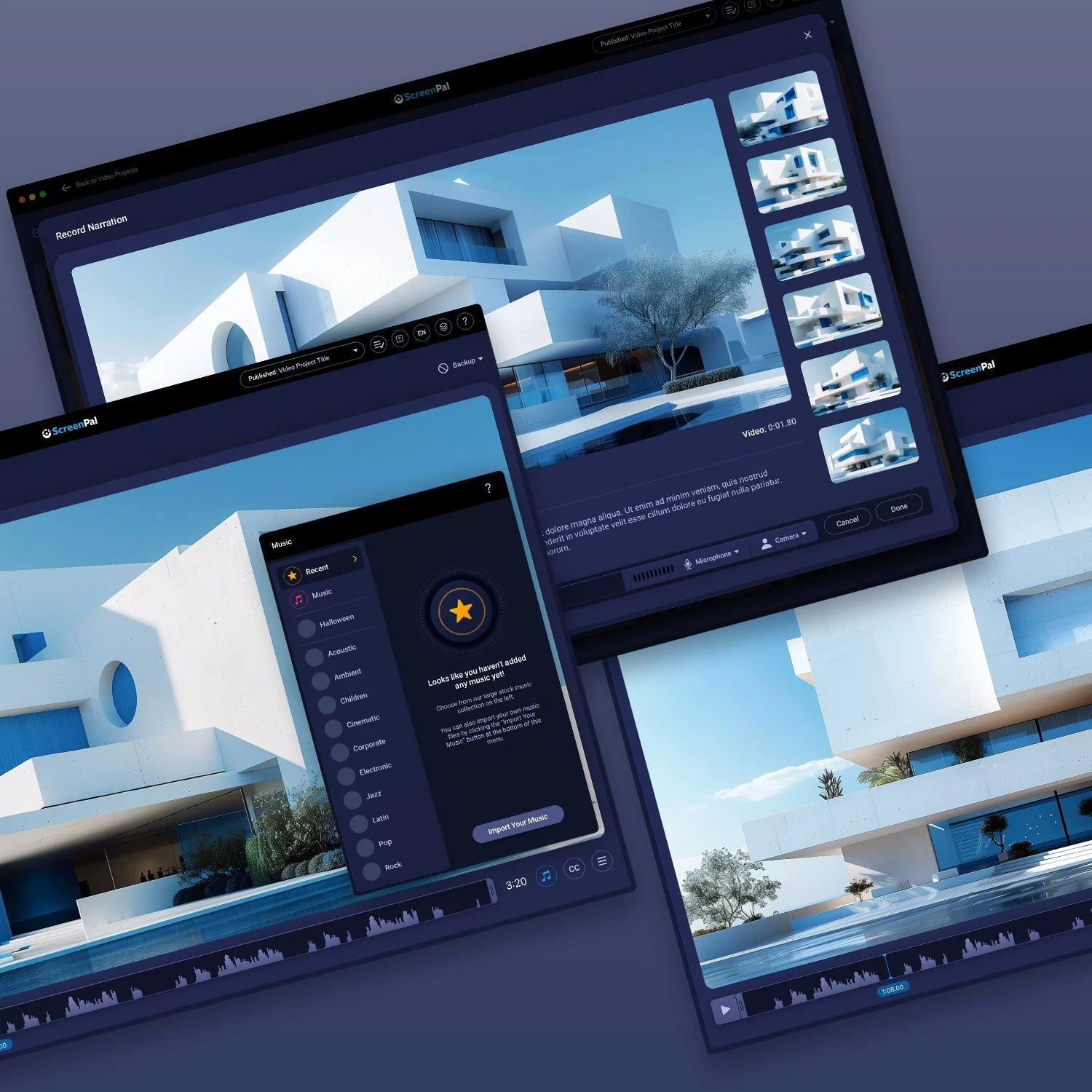
Music Menus + Importing Audio
Users have the option of importing their own music or choosing from more than 3400 stock audio files that are a part of their Premier subscription. You can sample audio tracks right in the list, which is one of the Music Menu's best features.


Importing Audio Modal
Narration Tools
Narration plays a crucial role in bringing your movies to life when making custom videos from your screen recordings or videos, or speaking directly to the spectator in instructional videos.


Stories
The application's ability to build Stories from scripts or storyboards is one of its time-saving advantages.


Publish Menus + Publishing Modal
A look at the publishing options menus and progress modal.


Other Versions