
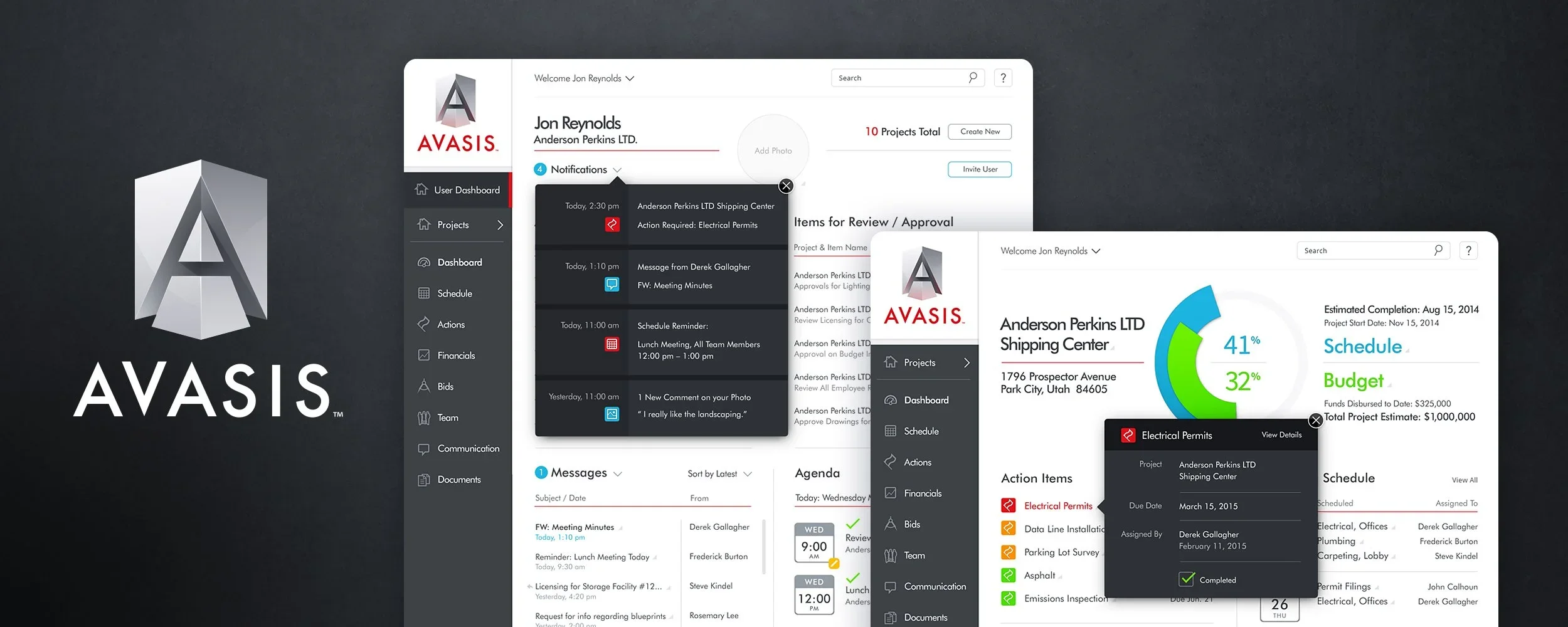
AVASIS Construction Management Platform
Construction SaaS UI/UX Design Responsive Web + Tablet Application
Over a seven-month engagement, The Skins Factory created the brand identity, UI/UX design, and design system for AVASIS, a fully integrated construction-management platform. The responsive browser and tablet application brought project owners, architects, engineers, contractors, subcontractors, title and insurance companies, and bankers into one connected environment for managing projects, budgets, schedules, teams, action items, communication, documents, and photos.
The Challenge
Connecting every project stakeholder without creating a fragmented experience
AVASIS needed to support organizations, divisions, project administrators, individual users, and outside stakeholders with different roles, permissions, responsibilities, and information needs. Project budgets, schedules, action items, assigned tasks, team members, photos, messages, alerts, permissions, and company records all had to remain connected. Sending users through a long series of separate pages for every detail or administrative task would make the platform slower and much harder to navigate.
Our Approach
Letting users manage complex work without leaving their current screen
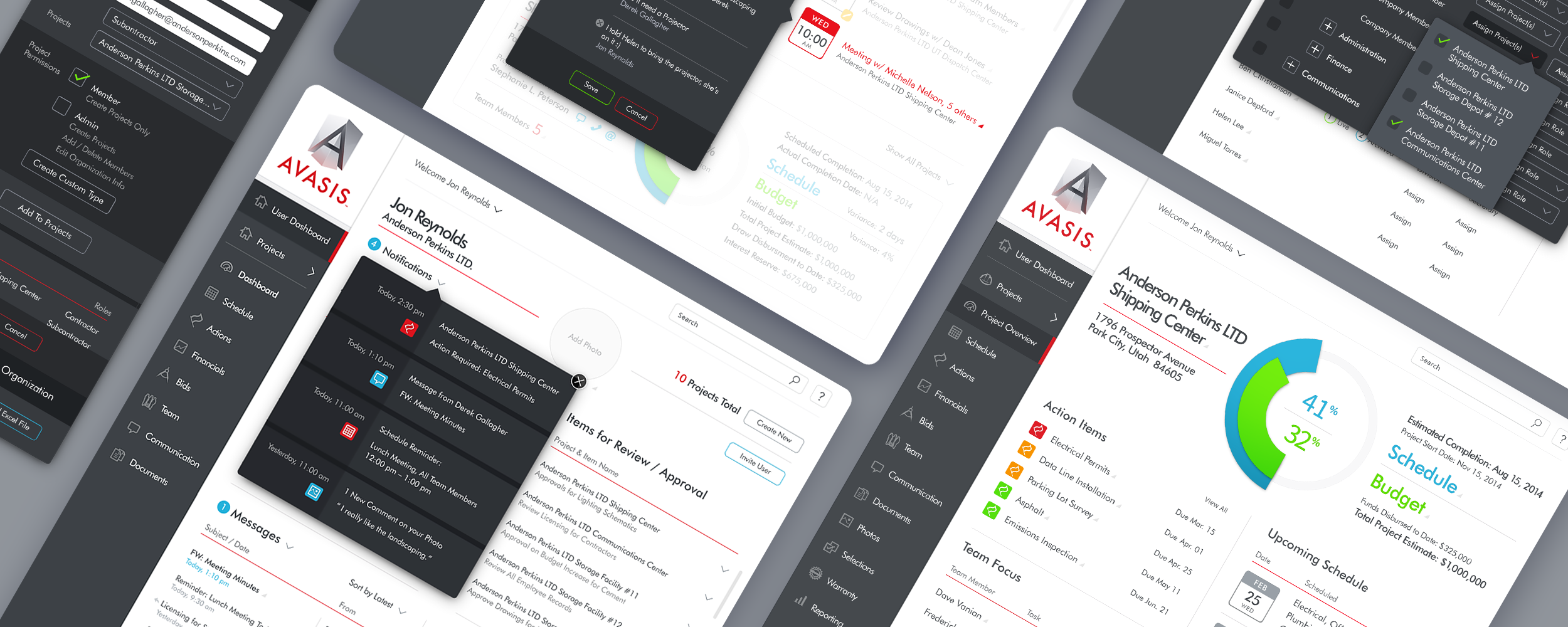
We organized the application around central information hubs, including the Project Overview, User Dashboard, and Member Management screens. A sophisticated system of flyout menus allowed users to review details, respond to alerts and messages, manage agenda items, assign roles and permissions, transfer members, and administer live or archived projects without navigating away from the screen they were working in. This kept related information in context while making a broad, multi-stakeholder platform feel faster and more cohesive.
Project Overview Screens
The Project Overview screen seamlessly consolidated Budget, Scheduling, the Action Item List, Team Members with assigned tasks, project photos, and communication items. It served as a comprehensive hub, providing stakeholders with all essential information in a sophisticated and user-friendly interface design, ensuring easy access to pertinent project insights.
Project Overview Menus
Across the user interface, The Skins Factory implemented a sophisticated system of flyout menus, allowing users to access information seamlessly without leaving the Project Overview screen. This enhancement significantly boosted productivity speed, offering a streamlined and efficient user experience.


Photo Zoom Screen


Manage Members Screens
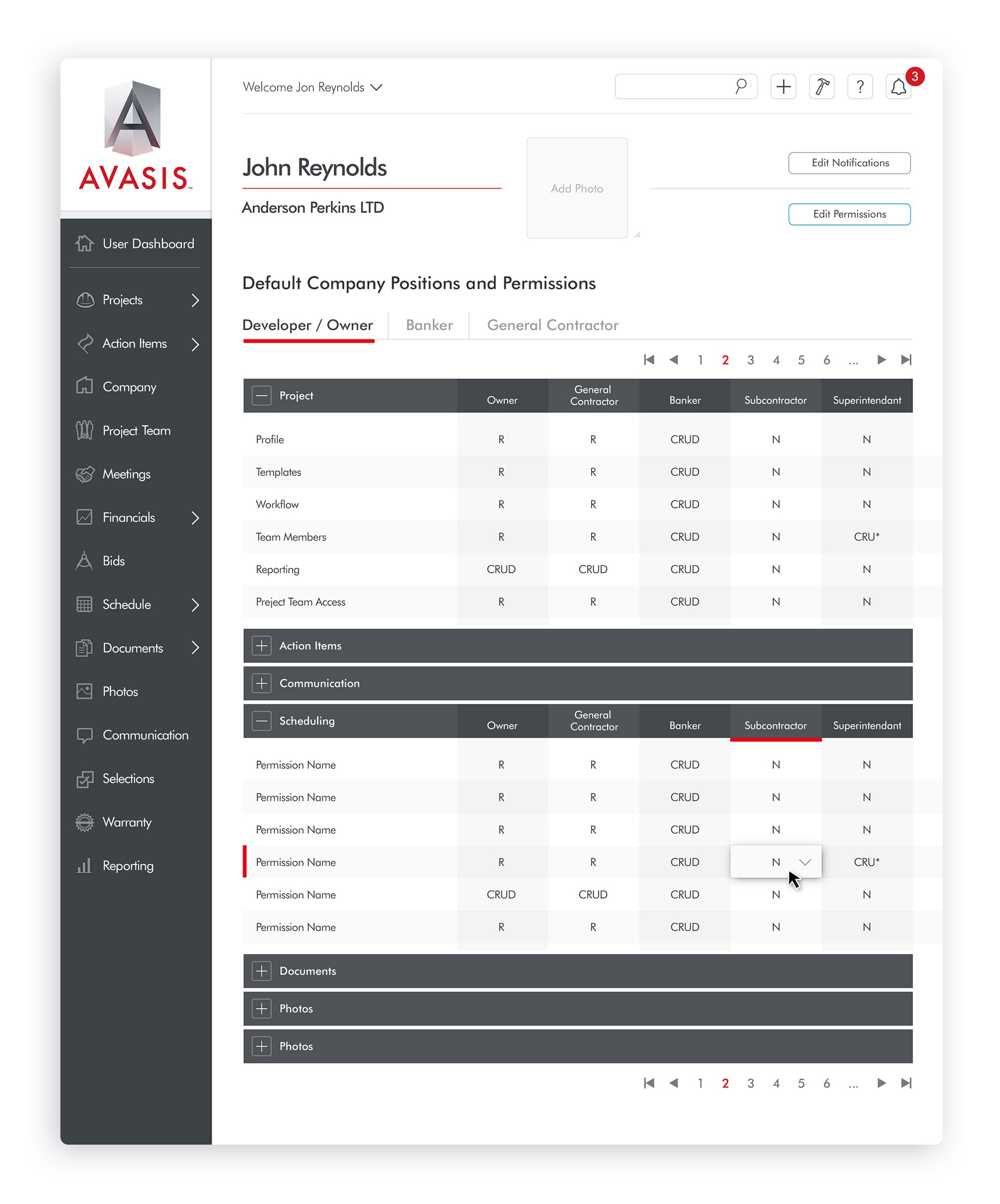
Our UI/UX design team centralized project members in a master hub of information. In this section, project administrators can assign positions and roles, transfer members to different projects, allocate permissions, add or deactivate members, and display project assignments for each team member. To enhance efficiency, our user experience designers developed even more robust menus than those designed for the Project Overview section, ensuring users can handle tasks while remaining on the screen, streamlining the overall process.
Adding Members to Projects Menu


Adding Members to the Company Menu


Administrating Members + Live Projects Menus


Adding Permissions + Archived Projects Menus


User Dashboard Screens
We dedicated significant effort to perfecting the User Dashboard, meticulously refining panel layouts, content presentation, and usability. Similar to our approach in other sections, we leaned on a menu-driven interface strategically designed to empower users to accomplish tasks without the need to navigate elsewhere.
Alerts Menus


Messages Menus


Agenda Menus


Company Profile Screens


Organization Screens


User Profile Screens


Project Start + Project Start: Budget Template


Login + Error Screens


Invite User Screens


Organization Divisions + Super Admin Permissions



Have a project in mind? Let's talk.
Thank you for reaching out.
We will be in touch within one business day.