
FortifyData
Cybersecurity UI/UX Redesign Risk Management Web Application
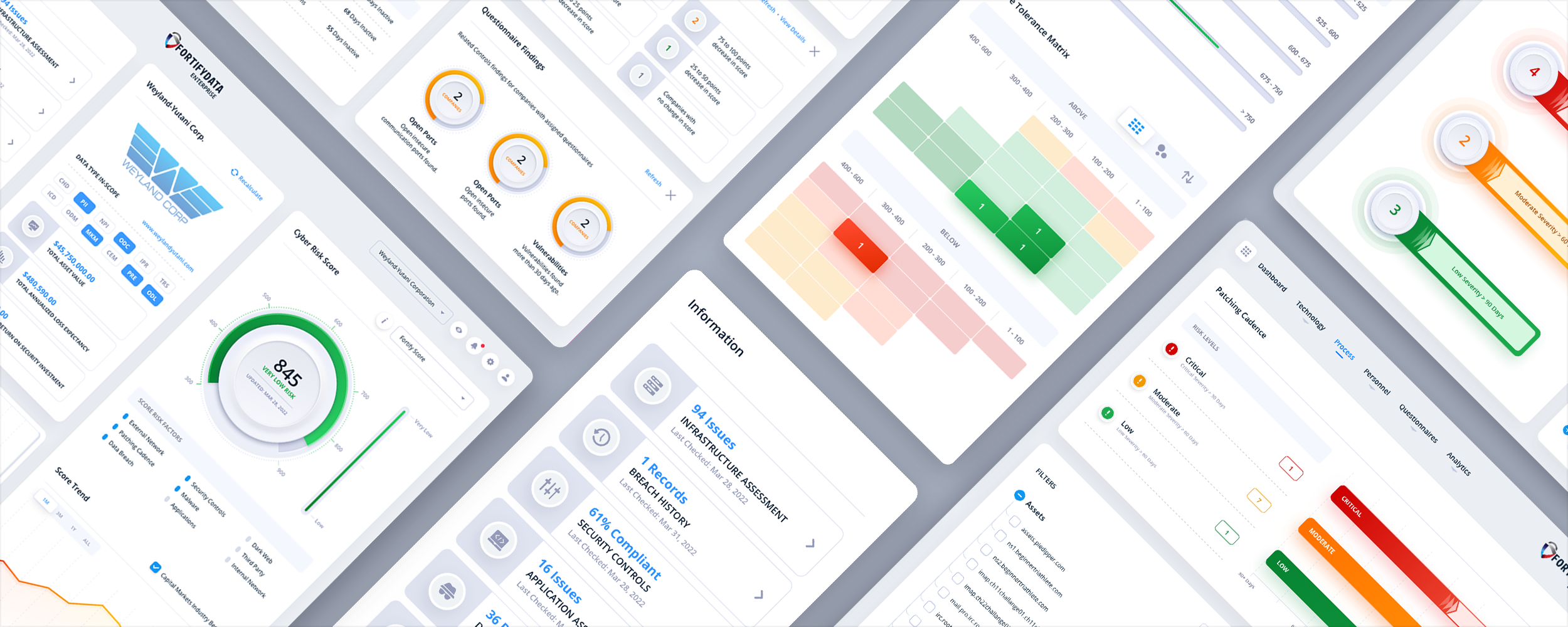
The Skins Factory redesigned FortifyData’s cybersecurity risk management platform across more than 40 screens, creating a clearer, more modern experience for teams managing exposure across the full attack surface. The work spanned enterprise risk and third-party risk management, bringing complex security data, analytics, and workflows into one cohesive product experience.
The Challenge
Making the entire attack surface easier to understand
FortifyData had to present risk scores, threat events, infrastructure data, asset inventories, vendor assessments, and due-diligence workflows without overwhelming expert users or stripping away the detail they rely on. The existing experience needed stronger hierarchy, faster scanning, and a more consistent way to move through data-dense tasks.
Our Approach
Turning complex risk data into a decision-making system
We organized the experience around the questions security teams needed to answer: where exposure was increasing, what was driving the risk score, which assets or vendors required attention, and what action should happen next. Risk scores became entry points into the findings beneath them, while contextual slide-in panels let users review, filter, and act on information without losing their place in the platform.
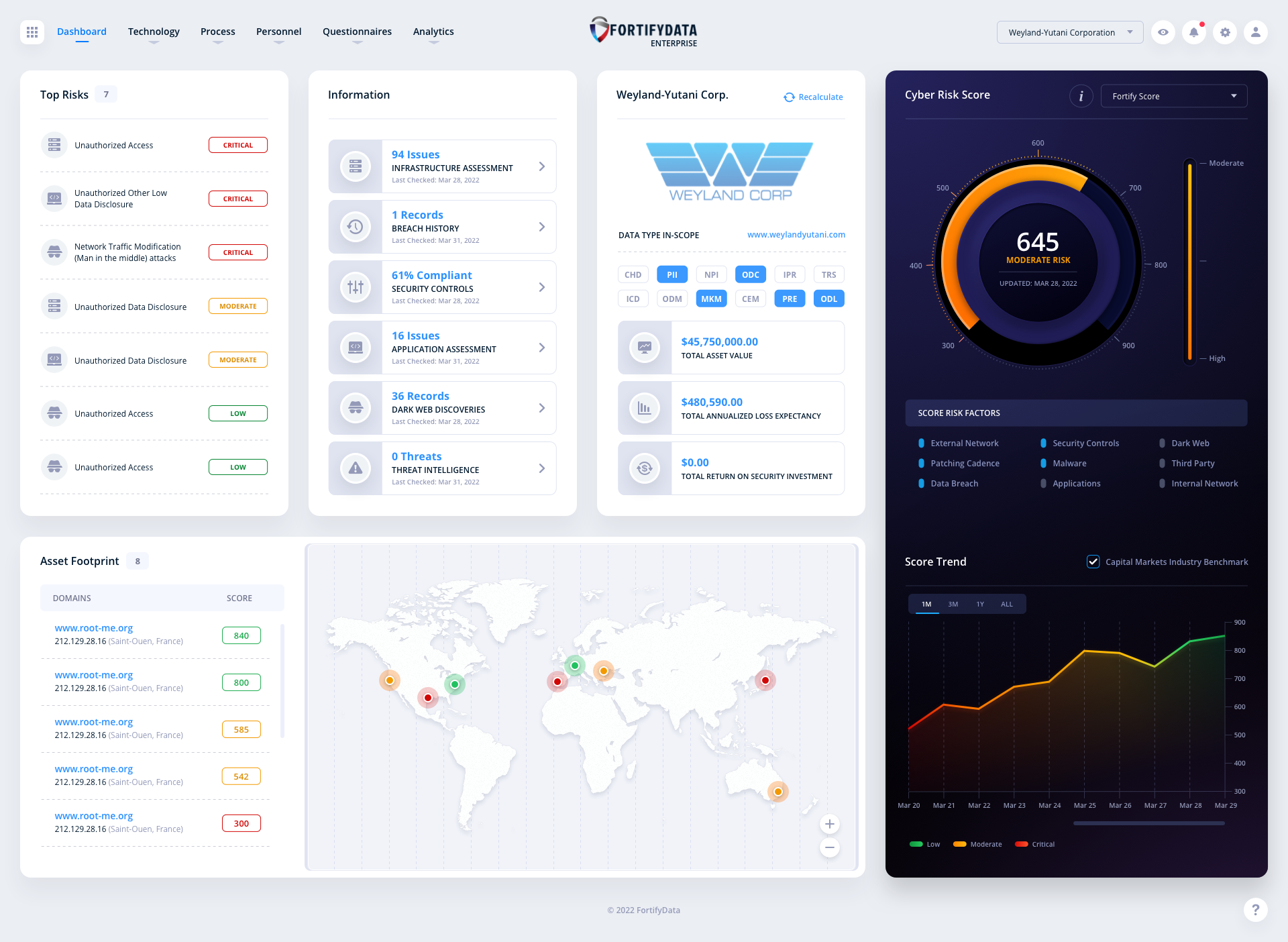
Enterprise Dashboard: Default Design
Our UI/UX design team spent ample time redesigning the dashboard’s design language. The original dashboard was modular in nature, as most are, but the look and feel of the UI design was updated with subtle tweaks to the user experience. We also purged the UI of the archaic “Gasoline gauge” style of Cyber Risk Score and created a neumorphic design that has both a modern and sleek look.
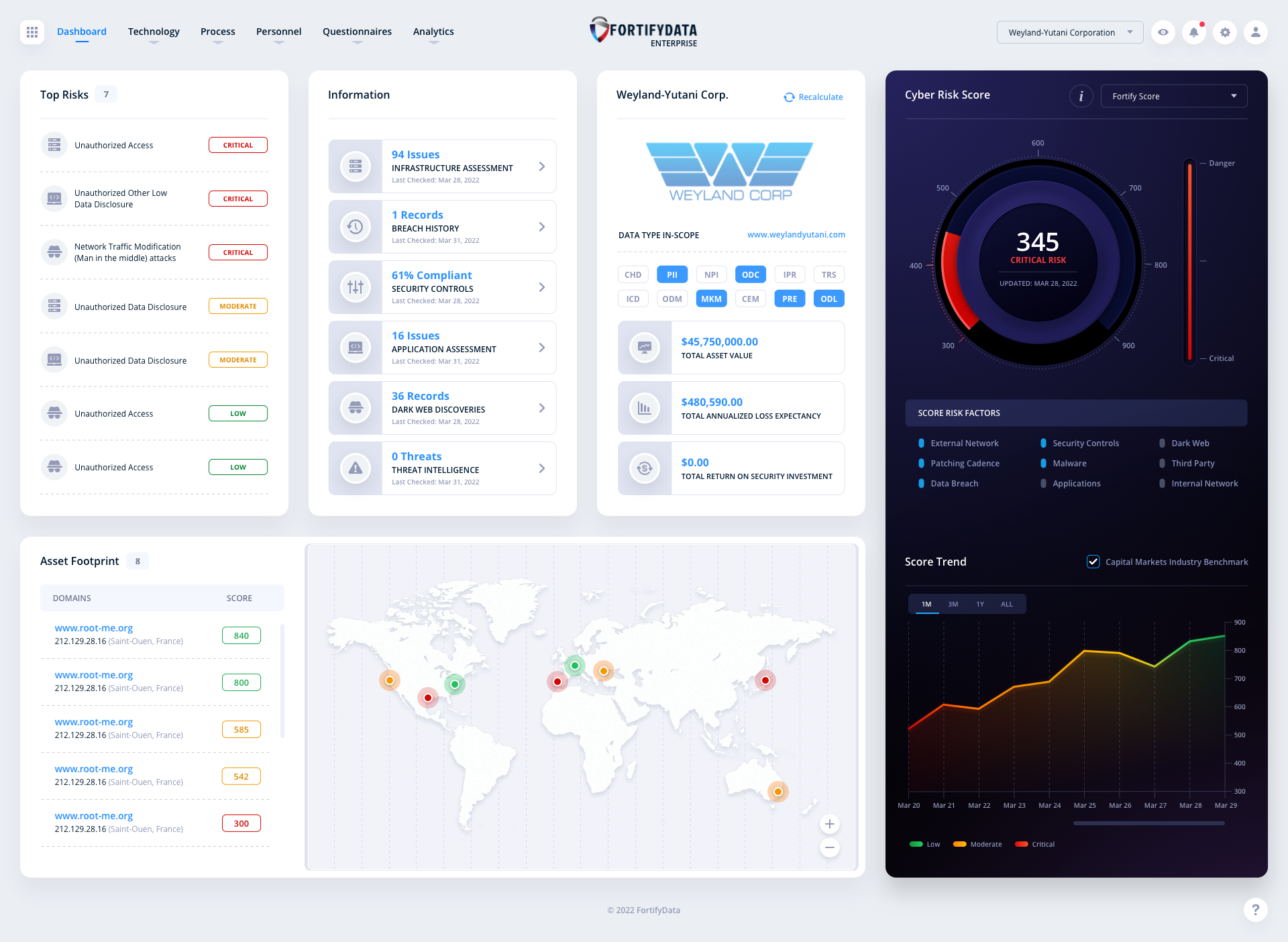
The Alternate Sidebar
During any initial comp phase our design team experiments with various design languages. We always have a ton of ideas floating around. CyberSecurity applications are typically dark in nature. In this alternative version, we brought in a dark sidebar to offer contrast to the white panels and so the colors could pop for the Cyber Risk Score. FortifyData selected the clean, all-white design, but loved the contrasting dark bar as well.
Enterprise Screens
A look at the various screen designs for the Enterprise section of the application. From Risk Modeling to Infrastructure Threat Events. Click an image to view it larger.
Risk Modeling: Originally this was two separate screens. Our team decided to converge them to increase speed and information output.
Infrastructure External Threat Events
Patching Cadence
Internal Assets
Assets Domains
Infrastructure Ports
Asset Groups
TPRM (Third-Party Risk Management) Screens
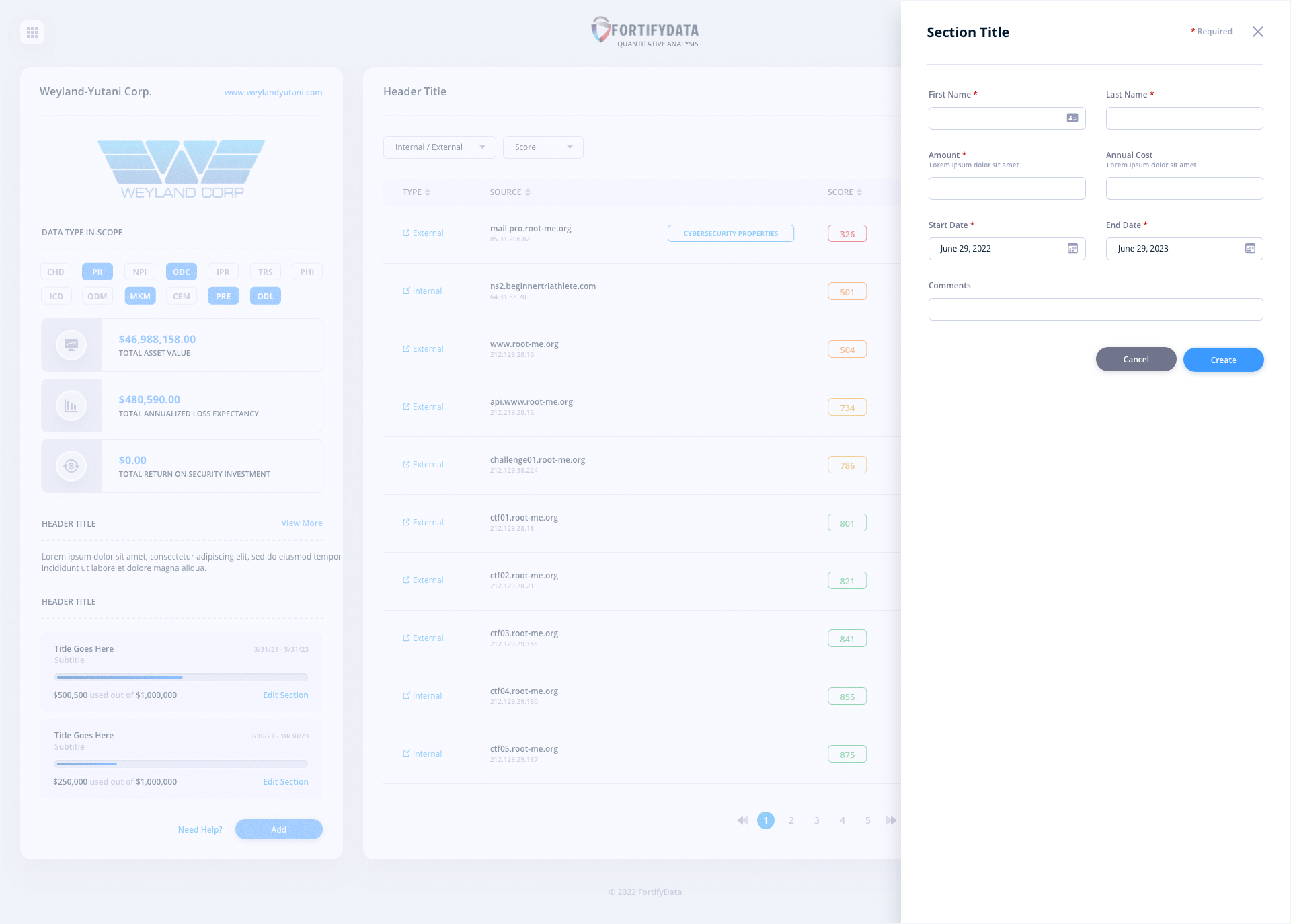
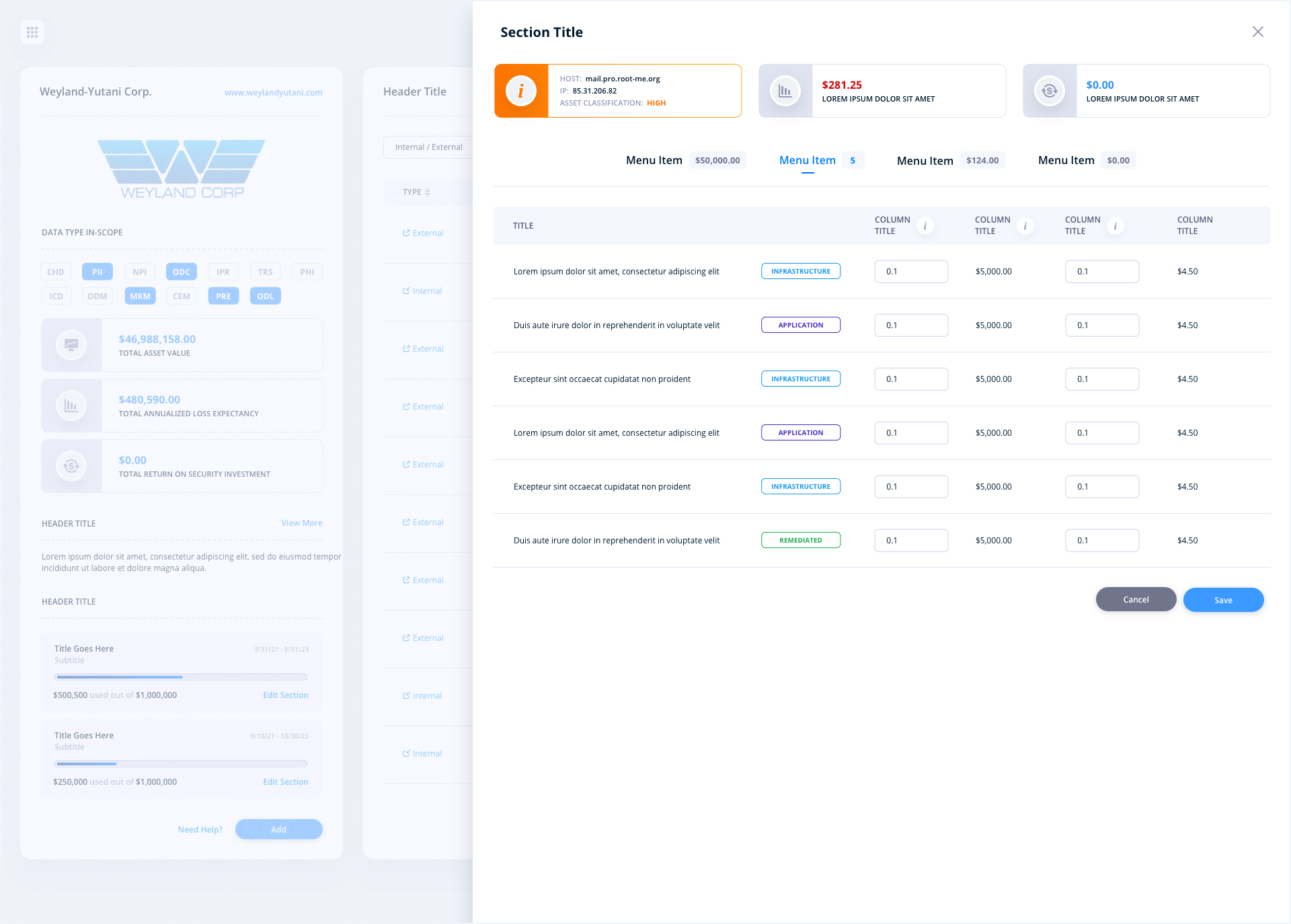
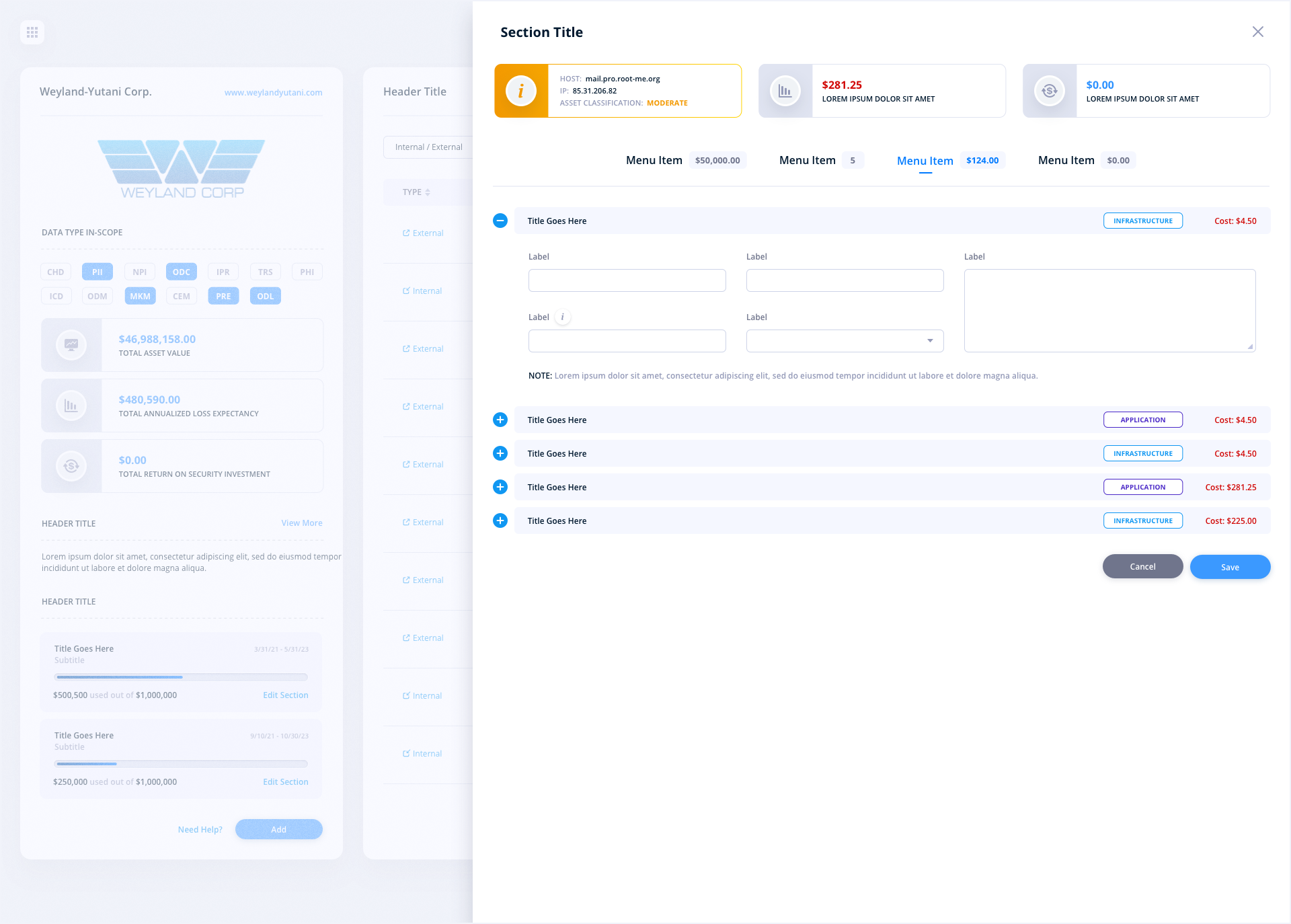
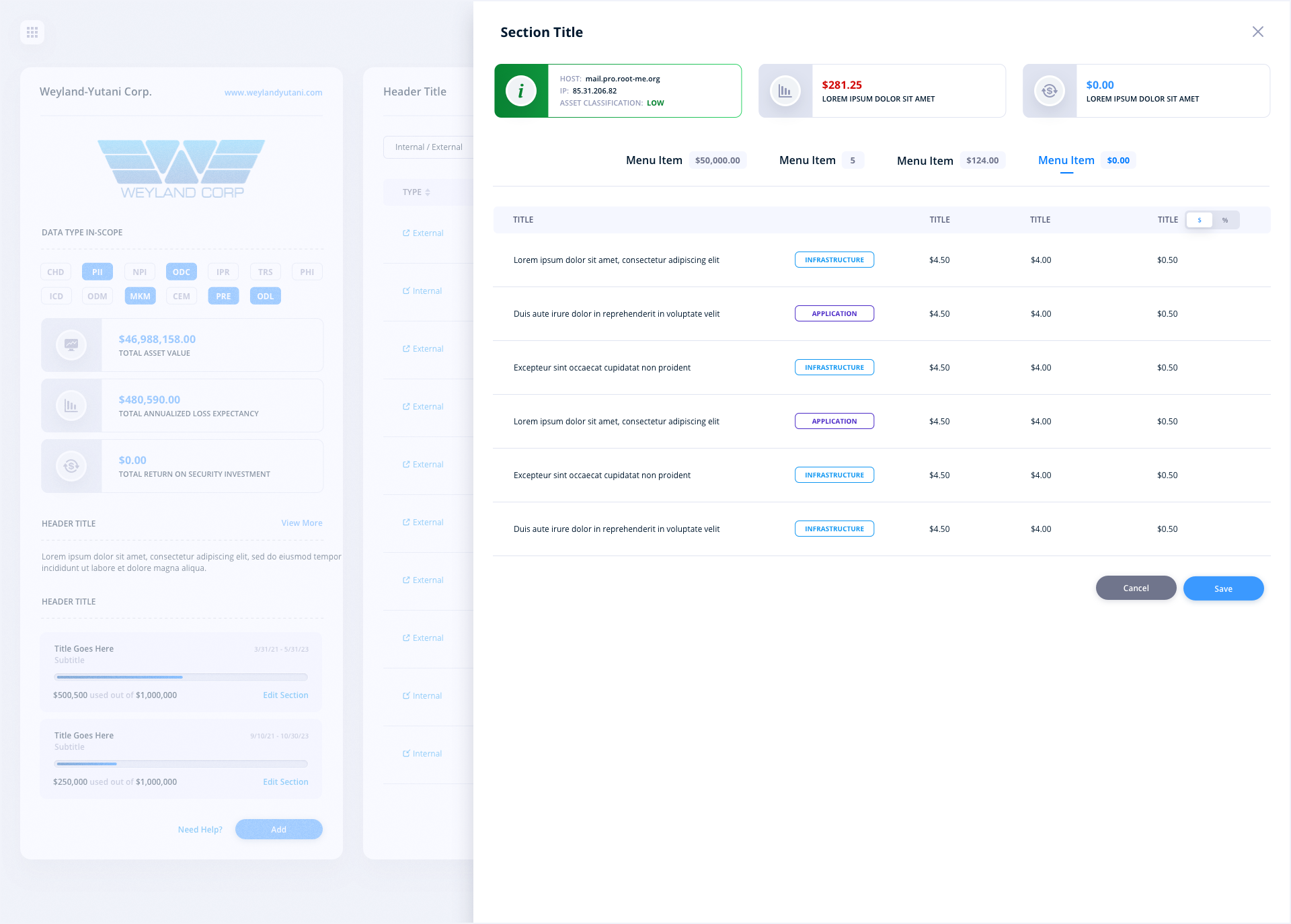
Forgoing the use of modals, we utilized slide-in panels for extending the user interface. Slide-in panels are the perfect solution as they focus the users’ attention to one part of the screen, while blocking out the noise of the background of the page on 3 sides. They are also size agnostic which means they can be short in width or even take over the entire screen without ever taking the user off the main screen.
TPRM Dashboard
TPRM Dashboard: Filters
TPRM Dashboard: Add a Questionnaire
TPRM Due Diligence: Assets
TPRM Due Diligence: Questionnaire
TPRM Due Diligence: Questionnaire Details
TPRM Questionnaire Status
TPRM Due Diligence: Patching Cadence
TPRM Due Diligence: Infrastructure
TPRM Due Diligence: Dark Web
TPRM Portfolio
TPRM Portfolio - Edit
TPRM Portfolio: Filters
TPRM Questionnaire Dashboard
TPRM Due Diligence Questionnaire: Third-Party Approval Status
TPRM Due Diligence Questionnaire: Update Vendor In-Scope Assets
TPRM Questionnaire Status: Custom Questionnaire
Additional Screens
Because of the proprietary nature of these screens and certain feature sets, effort has been made to keep core functionality intentionally vague. This was done to protect our client’s intellectual property.


Cybersecurity UI/UX Design FAQs
Why did you use slide-in panels instead of modals in the FortifyData redesign?
Slide-in panels focus the user's attention on one part of the screen while blocking out the noise of the background on three sides. They are also size agnostic, so they can be narrow or take over nearly the entire screen without ever pulling the user away from the main view. In a dense risk management platform, that keeps context intact while users complete tasks like adding questionnaires or editing portfolios.
How do you redesign a cyber risk score visualization?
We started by purging the archaic gasoline gauge style of Cyber Risk Score that most platforms still rely on. In its place, we designed a neumorphic score visualization with a modern, sleek look that reads instantly at a glance. We also explored a dark sidebar variant that created strong contrast behind the score, letting the risk colors pop against the white content panels.
What is TPRM and how does its UX differ from an enterprise risk dashboard?
TPRM stands for Third-Party Risk Management, the practice of assessing the security posture of vendors and partners. Where an enterprise dashboard monitors your own attack surface, TPRM screens revolve around questionnaires, due diligence reviews, vendor assets, and portfolio views. The UX has to guide users through multi-step assessment workflows, which is why we leaned on slide-in panels and clear status indicators throughout this section.
How do you present cybersecurity design work without exposing a client's intellectual property?
Carefully. Some FortifyData screens were altered due to their proprietary nature, others were withheld entirely, and certain feature sets were kept intentionally vague. Protecting a cybersecurity client's platform details matters more than showing every screen, so we present enough of the design language and UX thinking to demonstrate the work without creating a roadmap of the product.
How large was the FortifyData redesign engagement?
Our team refined the UI and UX across more than 40 screens of the core platform, spanning the enterprise dashboard, risk modeling, infrastructure threat events, patching cadence, asset management, and the full TPRM module, while modernizing the visual design and weaving neumorphic elements into the analytics.
Have a project in mind? Let's talk.
Thank you for reaching out.
We will be in touch within one business day.