Copap Customer Portal
Supply Chain & Trade Finance UI/UX Design Responsive Web Application
Copap selected The Skins Factory to design the UI/UX for its customer portal and management platform, a
responsive web application supporting complex supply chain and trade finance operations.
Beginning with collaborative user flow mapping, we designed an interconnected experience spanning
registration, dashboards, order management, invoices, customer management, search, notifications, live
chat, and company profile workflows.
Rather than create another conventional enterprise application, we gave the platform a distinct visual
identity through custom transportation illustrations, saturated color, motion, and section-specific
environments. The result was a cohesive business application where each major area felt different, while
still behaving like part of the same product.
The Challenge
Bringing Complex Supply Chain Workflows Into One Cohesive Customer Portal
Copap needed to bring a wide range of business workflows into a single customer portal, including
registration, customer management, orders, invoices, dashboards, search, notifications, chat, and account
management.
All of these functions needed to share a consistent navigation system and common interface controls, but
they represented very different parts of the supply chain experience.
Our challenge was to create an enterprise UI/UX system that remained familiar as users moved throughout
the application without making every section look and feel exactly the same. We wanted consistency
without sameness.
Our Approach
Creating a Distinct Visual Experience Across the Supply Chain Platform
We used the movement of goods by air, sea, rail, and truck as the visual foundation for the Copap customer
portal.
Each major area of the application received its own custom illustration environment and color treatment,
while shared elements such as navigation, search, notifications, live chat, menus, dropdowns, and profile
controls remained consistent. This allowed us to give users a visual cue as they moved from one part of the platform to another without
sacrificing the familiarity and usability expected from an enterprise web application.
For the multi-step registration experience, we pushed the concept even further with a panoramic illustrated
environment, animated panel transitions, parallax movement, and persistent pagination that visually
carried the user from one stage of onboarding to the next.
Designing the User Flow
Mapping the Customer Portal Before Designing the Interface
Before designing the UI, we worked with the Copap team to define how users would move through the customer portal. We began with a basic user flowmap to establish the primary application structure. As the project scope became more clearly defined, that evolved into a much more detailed flow covering the relationships between screens, features, user actions, and major workflows. This gave both teams a clear blueprint for the application before the visual design work expanded across the platform.
Basic User Flowmap
Advanced User Flowmap
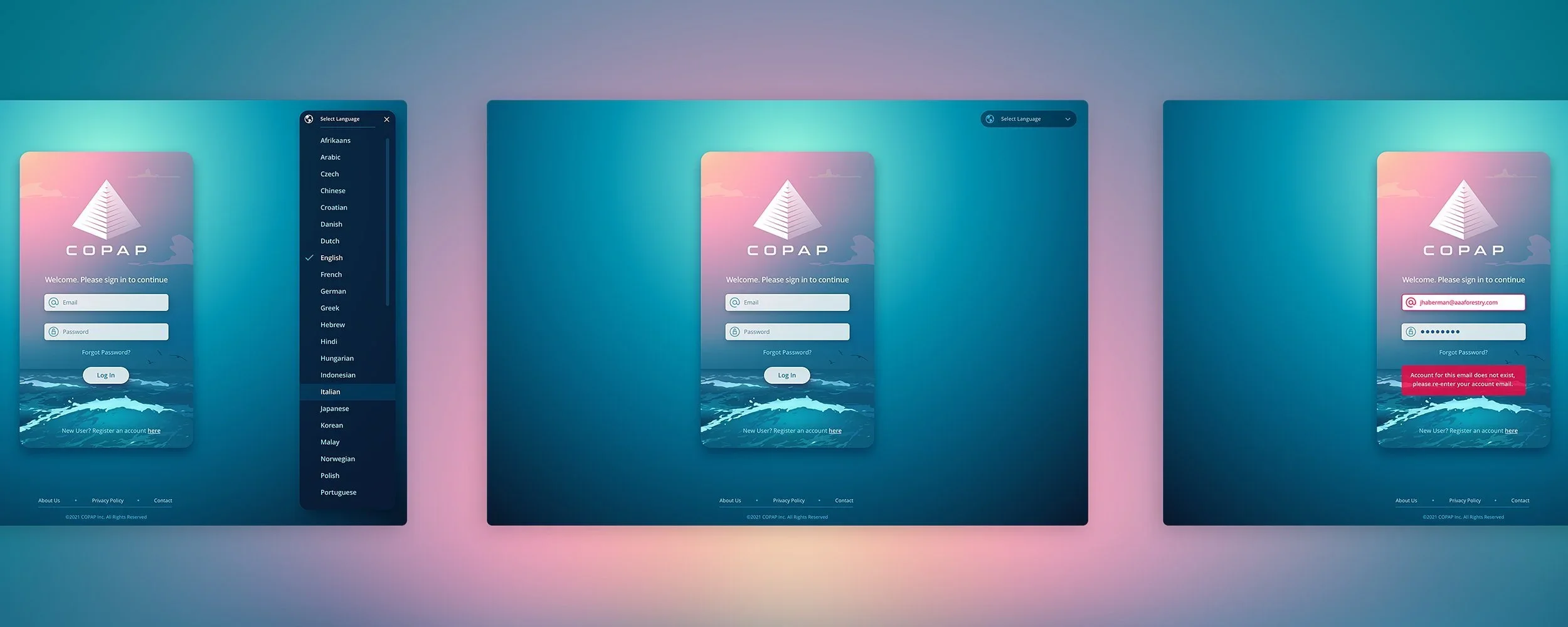
Login Experience
Giving the Supply Chain Platform a Visual Identity From the First Screen
We wanted the Copap experience to feel different from the moment a user arrived. Because transportation is fundamental to the supply chain, we developed a custom illustration system around four primary modes of moving goods: air, sea, rail, and trucking. Instead of treating illustration as decoration, we integrated it directly into the visual language of the application. The login experience introduced the concept immediately and established the more colorful, distinctive direction that would continue throughout the customer portal.
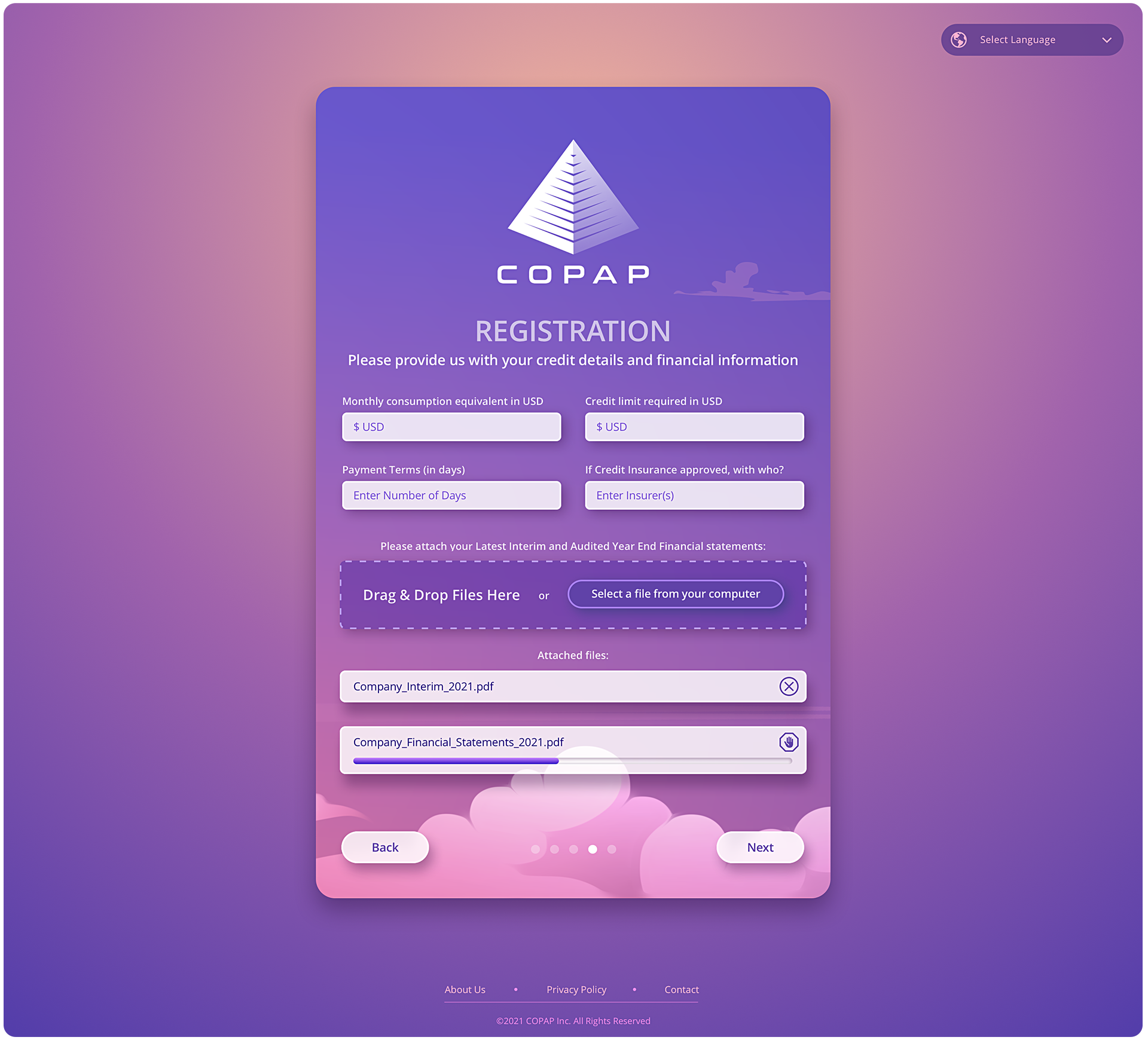
Registration Experience
Designing a Multi-Step Registration Flow That Visually Communicated Progress
Copap’s registration process required users to move through a series of forms and onboarding steps, so we designed the experience to make that progression visible. A wide panoramic illustration extended across the entire registration sequence. As users advanced, the interface moved horizontally through the environment while the background traveled at a different speed, creating a subtle parallax effect.
Persistent pagination showed users exactly where they were in the registration process and how much remained. The logo, registration title, pagination, and back controls remained anchored while new content entered from the right and completed content moved away to the left. We designed and demonstrated the motion sequence in Adobe After Effects so the development team could clearly understand the intended transitions, timing, and behavior.
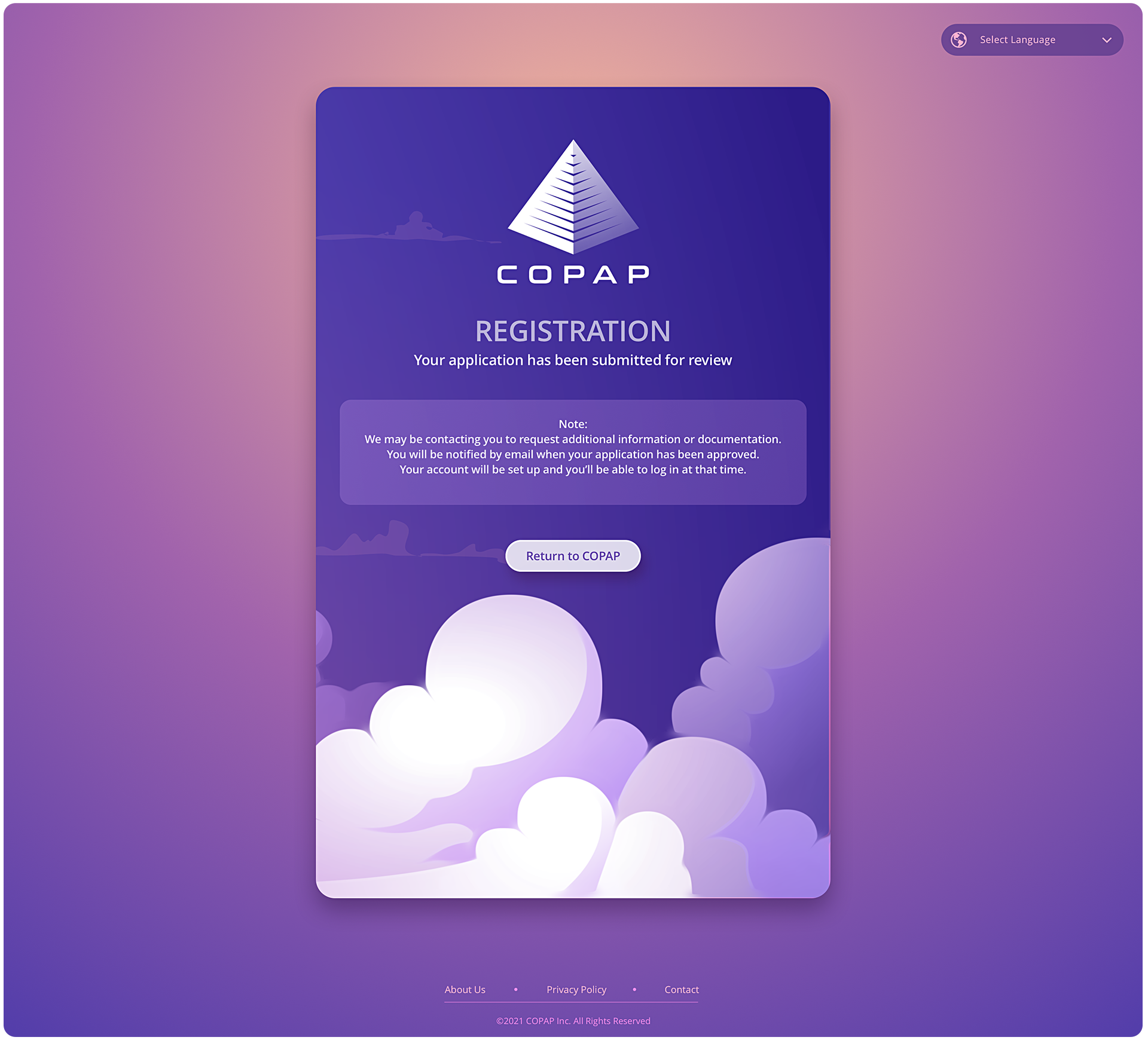

The Full Registration Background Image - Non-segmented.

Dashboard UI/UX Design
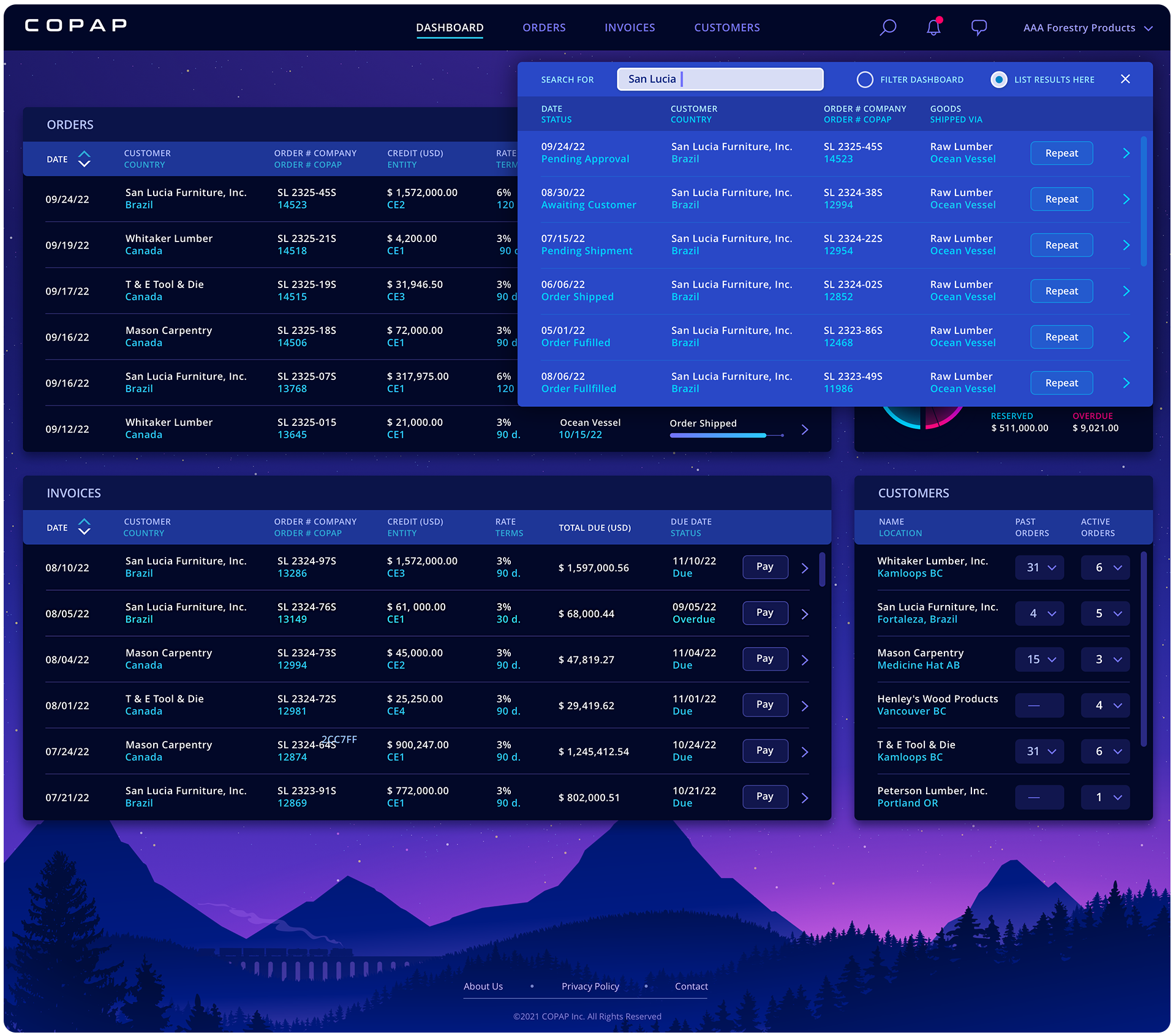
Turning the Main Dashboard Into Its Own Distinct Environment
For the primary dashboard, we shifted the visual environment into a dusk setting using deep blues, purples, and soft pink tones against the silhouette of a freight train. The darker palette gave the dashboard its own identity while maintaining the navigation patterns, controls, menus, and interaction conventions established throughout the rest of the Copap customer portal.
The result was an enterprise dashboard that remained connected to the larger design system without looking like every other section of the application.


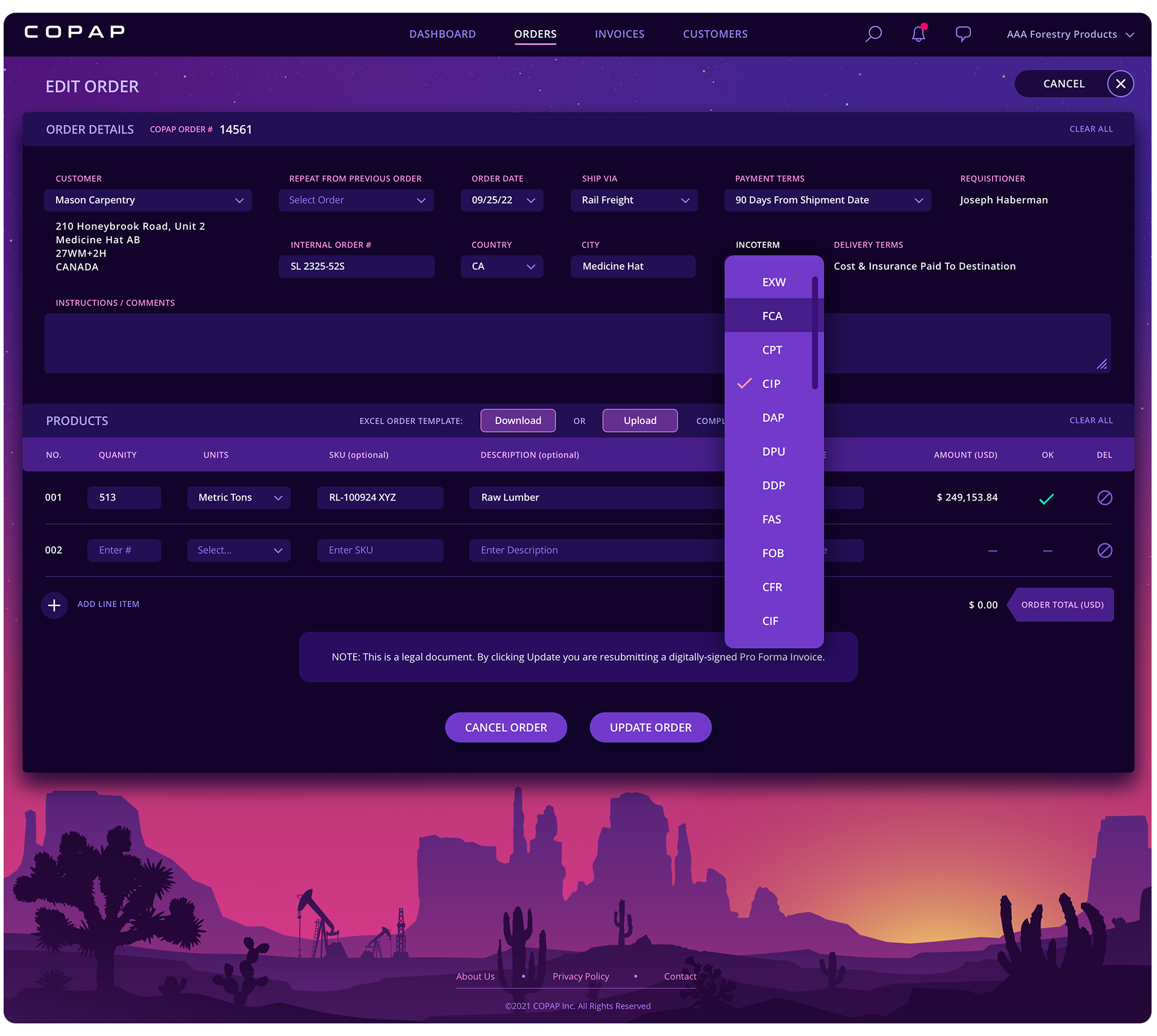
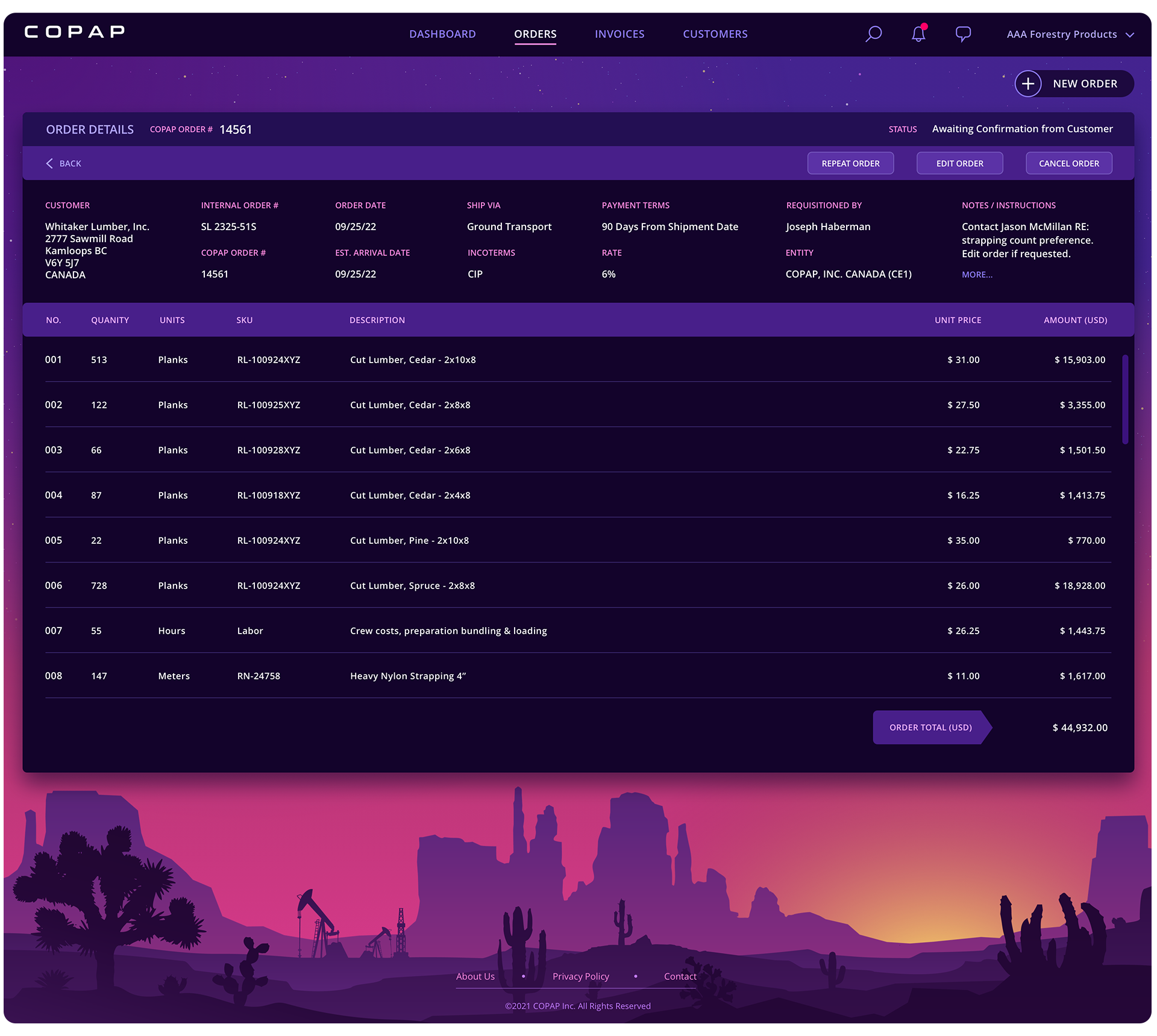
Order Management
Designing Order Workflows as Part of a Unified Supply Chain Experience
The Orders section extended the same UI/UX system into one of the platform’s core supply chain workflows. Rather than designing order management as a disconnected utility, we carried the application’s shared navigation, controls, visual hierarchy, and interaction patterns into the experience. This helped users move between orders and other areas of the customer portal without having to relearn how the product worked.
At the same time, the section maintained its own visual character, reinforcing our broader approach of creating consistency across the application without making every screen feel interchangeable.





Customer Management
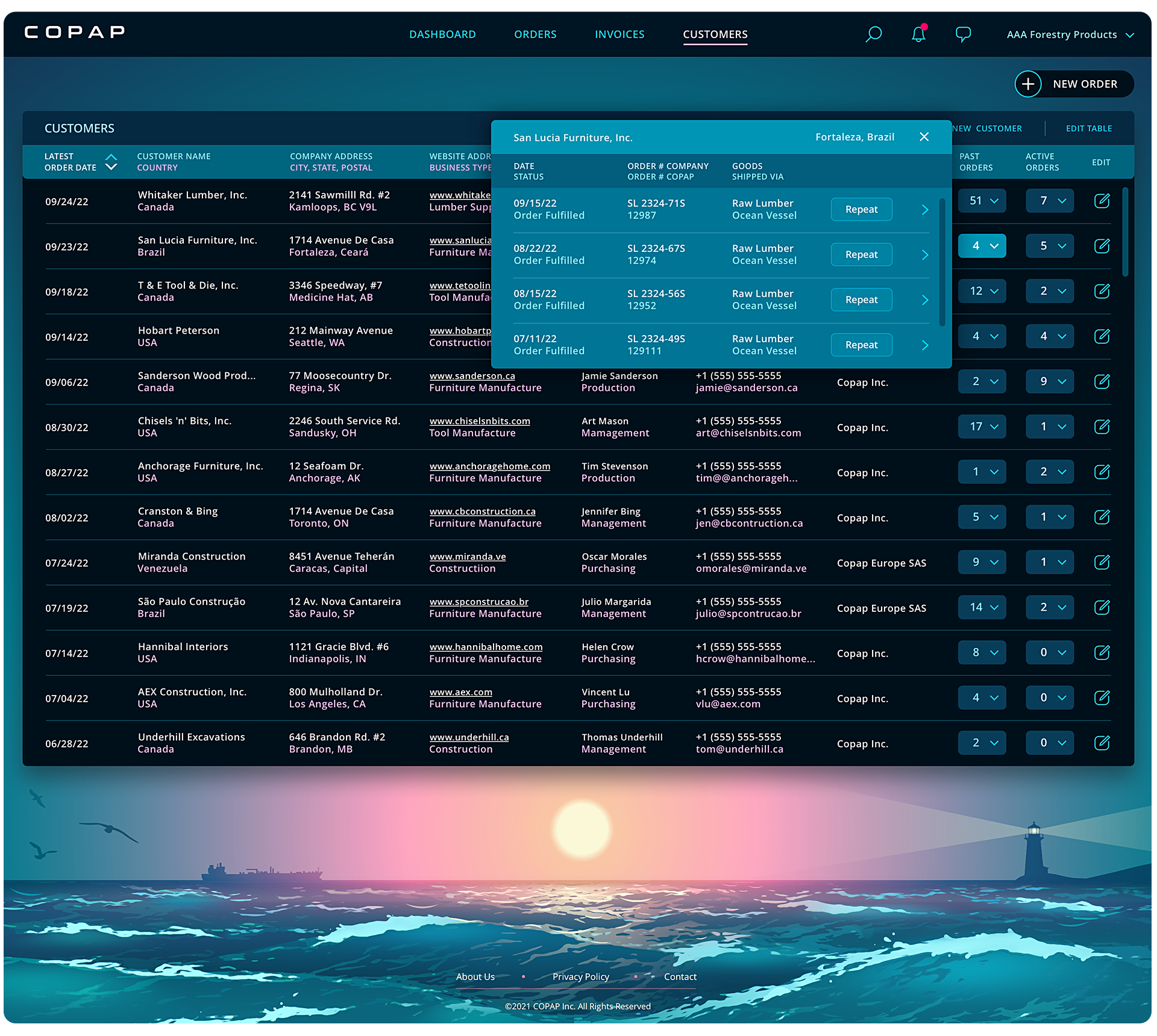
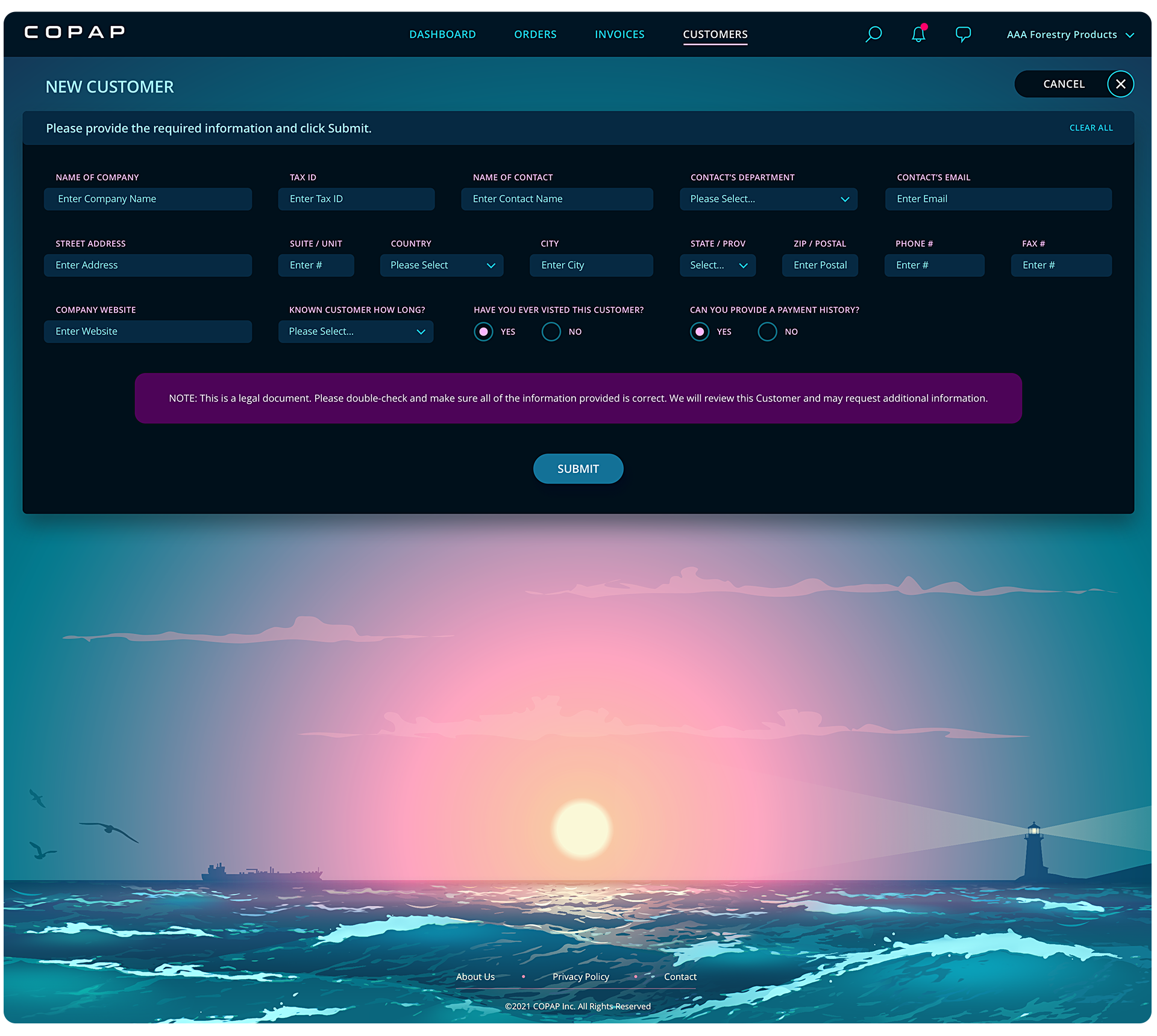
Creating a Consistent UI for Customer Information and Management
Customer management was another major component of the Copap platform and needed to fit naturally within the larger customer portal. We applied the same interface system used throughout the application so navigation, controls, menus, search, and related interactions remained familiar.
This shared design language made the customer management experience feel like an integrated part of the supply chain platform rather than a separate application layered inside it.

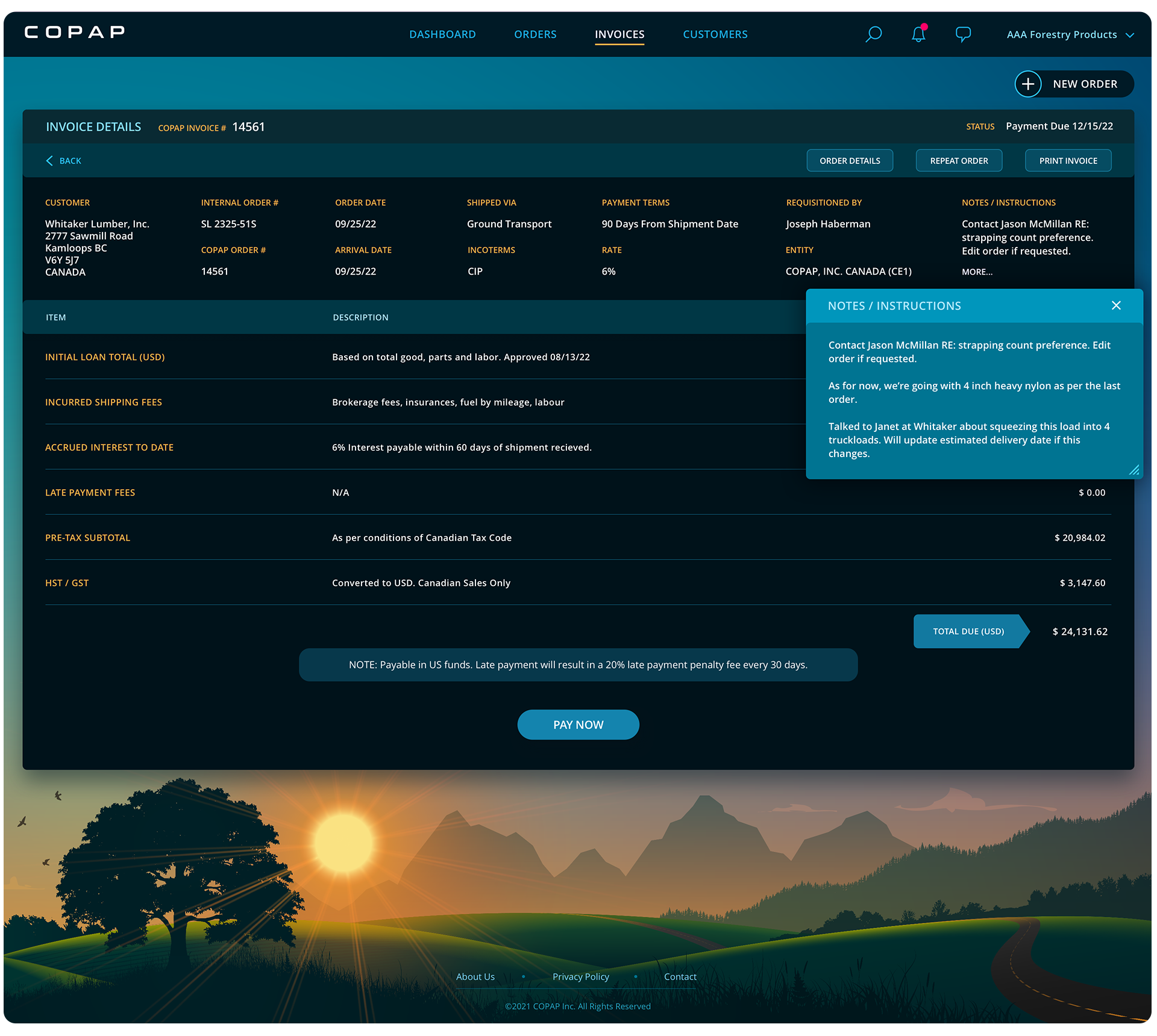
Invoice Management
Extending the UI/UX System Into Invoice and Trade Finance Workflows
The invoice screens carried the Copap design system into another important area of the customer portal. Shared interaction patterns and interface components maintained continuity with orders, customers, dashboards, and the rest of the application, while the visual treatment helped distinguish the invoice experience within the broader platform.
The goal throughout the project was the same: make a complex supply chain and trade finance application easier to navigate while giving users clear visual cues about where they were and what they were working with.


The Result
A Supply Chain Customer Portal Designed to Be Useful and Memorable
Copap became a good example of how enterprise software does not have to look like conventional enterprise software. We combined user flow mapping, responsive UI/UX design, custom illustration, motion design, and a consistent interface system to create a customer portal that could support complex supply chain and trade finance workflows without losing its personality.
The application remained cohesive across registration, dashboards, orders, customers, invoices, search, notifications, chat, and account management, while each major area maintained a visual identity of its own.